SoundOn
MusicArmed

Calm and private

Out of the way. Your touches stay on your Mac.

Rimline ignores the trackpad while you type and steps aside when it should. There is no account and no analytics inside the app.

Join the waitlistSet it up in the app3 day free trial, then $9 once. macOS 13 or later.

Quiet while you type.

Touches are ignored for a moment after every key press, so a resting palm does nothing.

  1. 1Out of the way
  2. 2Private, and you can check
  3. 3Accessible
  4. 4Help yourself

01of 04

Out of the way.

Rimline stays quiet while you type, and steps aside when a game or a presentation has the screen. A pause is never more than a click away.

  • Typing guard: touches are ignored for 0.2 to 1.5 seconds after a key press, 0.6 by default
  • Palm care: a touch that starts while the guard is on stays ignored until every finger lifts
  • Pauses by itself in games, and in full-screen apps if you switch it on
  • Pause from the menu bar icon (right-click), a global shortcut or rimline://pause
The Typing guard setting in Rimline: ignore the trackpad while you type, so a resting palm does nothing.

Typing guard.

A resting palm does nothing while you type. The pad wakes 0.6 s after your last key.
Auto-paused
The Pause in games setting in Rimline: Rimline ignores the trackpad while a game is the app in front.

Pauses by itself.

In a game or a full-screen app Rimline steps aside, and the menu bar icon dims.

02of 04

Private, and you can check.

There is no account to make and no analytics inside the app. Your touches never leave your Mac. The app reaches the network only to activate and check a license with Polar, and for updates if you turn that on.
  • The license check goes to Polar when you activate and again now and then, with the license key and a name for your Mac, never a touch
  • The update check is off until you turn it on, then asks GitHub once a day and installs nothing until you press Install Update
  • An update is accepted only if its signature matches the key built into the app
  • Rimline does not read your screen contents or what you type

Private, with evidence.

Your touches never leave this Mac. The app reaches the network only to check a license with Polar, and for updates if you turn that on.

03of 04

Accessible.

Reduce Motion is respected across the app and this site. The controls are real buttons that say what they do. This is a first pass, and we say plainly what is left.

  • With Reduce Motion on, the window, the popover, the tours and the on-screen display hold still
  • Controls carry a name and their state: the finger count, the group headers, the round buttons on the pad
  • Still to do: a full VoiceOver listen, keyboard-only use of the whole window, Increase Contrast and Reduce Transparency

System Settings · Accessibility · Display

Reduce motionReduce the amount of motion in some app interfaces

Reduce Motion, respected.

Turn it on in macOS and Rimline holds still: the window, the popover, the tours and the on-screen display.

04of 04

Help yourself.

Copy diagnostics puts a plain report on your clipboard. It names no app, file, shortcut or layout, and nothing is sent anywhere.

  • Version, macOS, the Mac model, which guards and gestures are on, and counts of scenes and layouts
  • Send feedback opens a draft in your browser. You read it before you submit it

Help and feedback

Something not working, or an idea? Tell me. Nothing is sent until you submit it yourself.

Copy diagnosticsVersion, macOS and which features are on. It names no app, file or layout.Copy
Send feedbackOpens a new issue on GitHub with the questions and the diagnostics filled in.Send
Nothing is sent anywhere.Copy diagnostics stops at your clipboard. Send feedback opens a draft you read first.

Copy diagnostics.

A plain report on your clipboard. It names no app, file, shortcut or layout, and nothing is sent anywhere.

Set it up in the app.

Rimline opens on the page where calm and private lives. Nothing to hunt for.

These buttons talk to the app, so they work once Rimline is installed. Join the waitlist to hear when it opens.
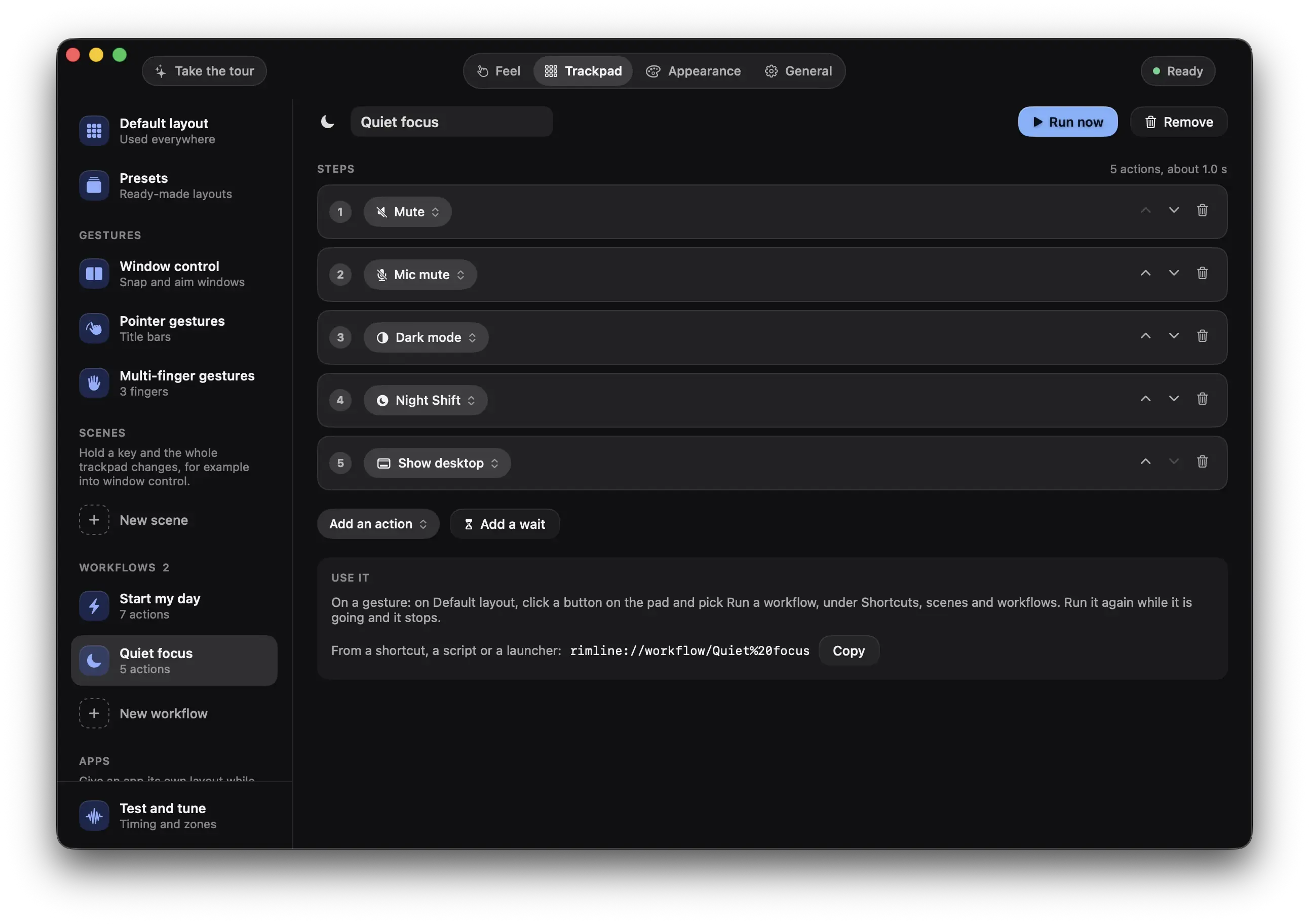
The Rimline window on the Trackpad tab, Workflows: Quiet focus with its steps (Mute, Mic mute, Dark mode, Night Shift, Show desktop)

Your trackpad has edges. Use them.

3 day free trial, no card, then $9 once. For macOS 13 or later. Drag it to Applications and slide your first edge in a minute.

Version 1.0.0. Apple silicon and Intel. Developed and tested on Apple silicon.