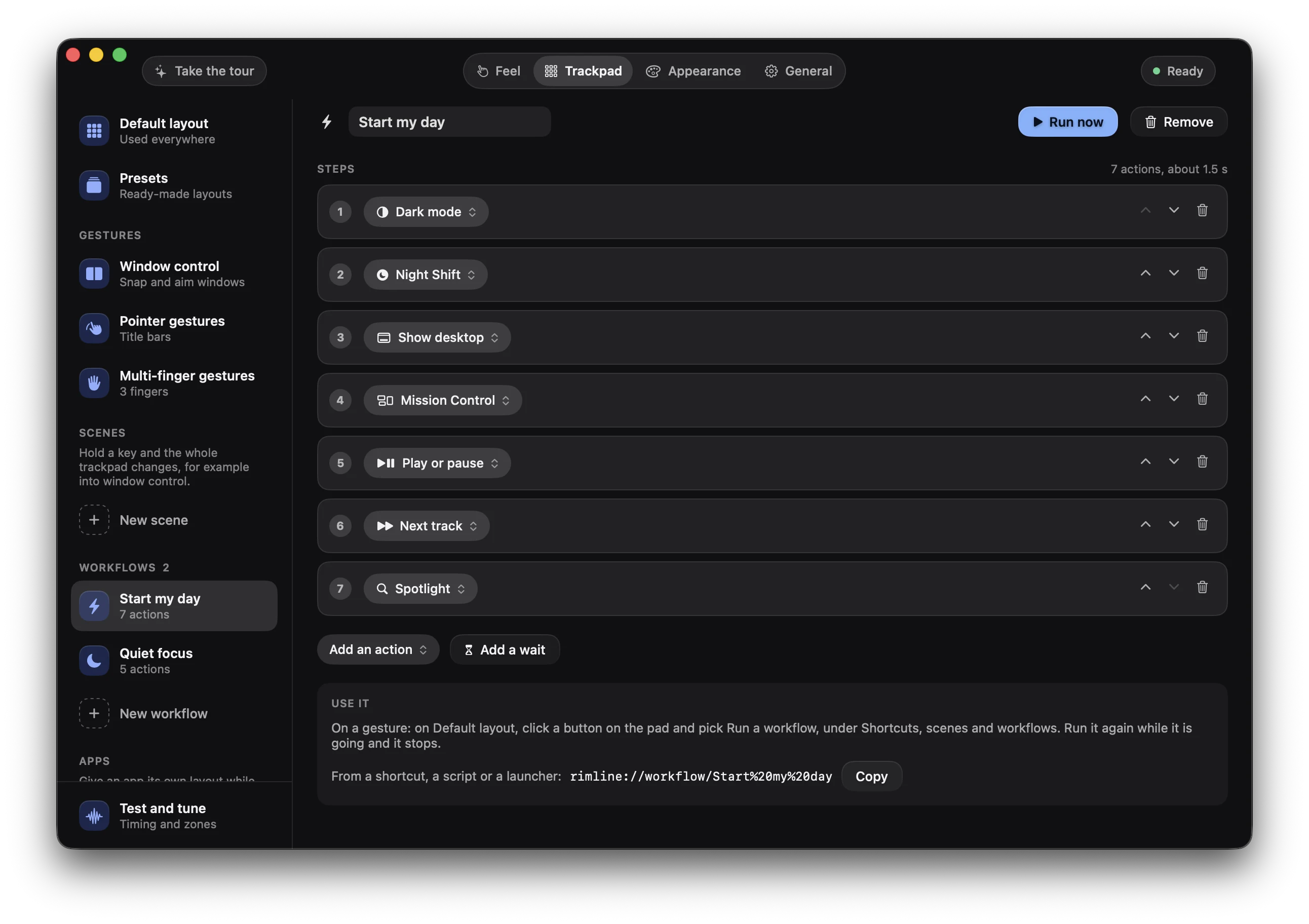
Start my day
- 1
 Open Mail
- 2
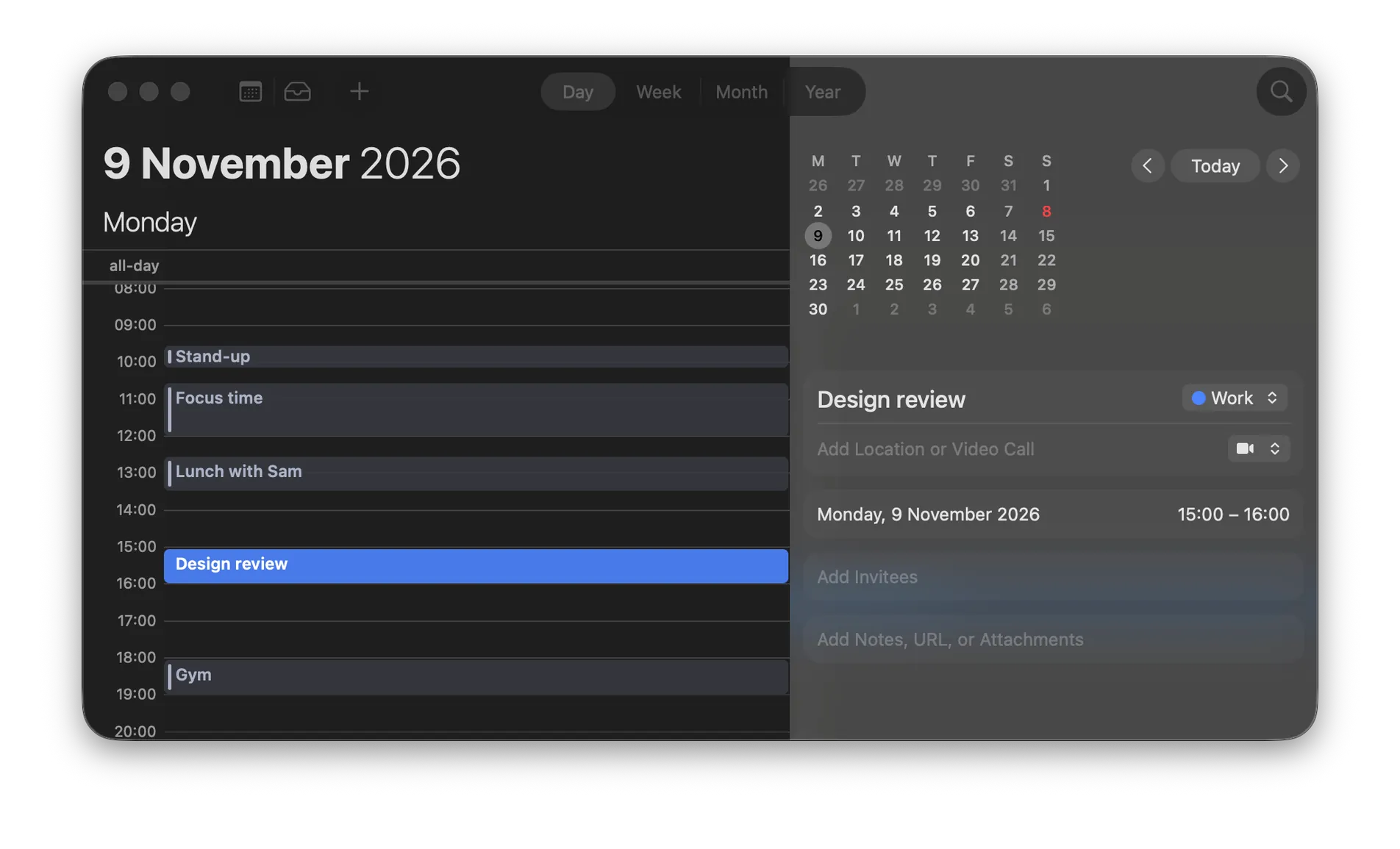
 Open Calendar
- 3
 Open Safari
- 4Dark mode

One name. Four steps.
A workflow chains actions and runs them in order from a single gesture.
Workflows and actions
Pick from nine kinds of action, chain steps under one name, or slide an edge so each notch presses a shortcut. Drive Rimline from outside with rimline:// links.
Open MailOpen CalendarOpen SafariA workflow chains actions and runs them in order from a single gesture.
01of 04
Every gesture runs one action. Nine kinds keep the list short, and one search finds an action by its name or by what it does.
Nothing matches. Try another word.
Screenshot of an areaStarts a screenshot of an area you choose.
Every action sits in one of nine kinds, and the search finds it by its name or by what it does.
02of 04
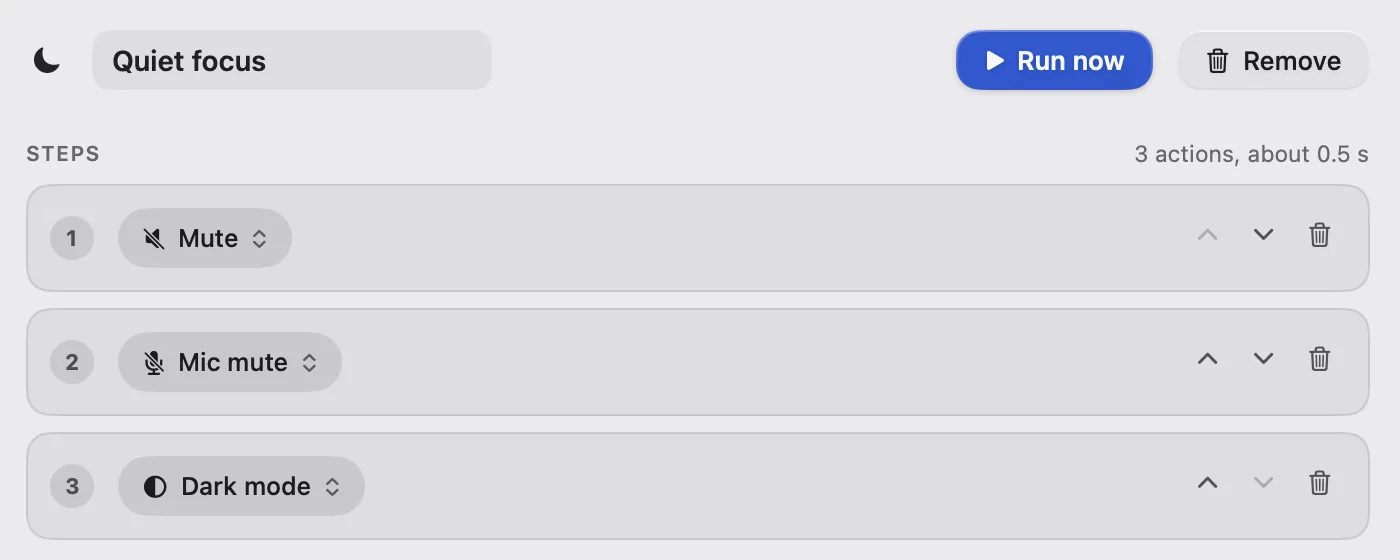
A workflow is a named list of steps. Each step is any action, or a wait, and they run top to bottom with a quarter-second gap.
 Open Mail
Mute, mic off, dark mode, open Mail. One double tap runs the lot.
03of 04
Give an edge a stepper instead of a level. Slide along it and each notch presses a shortcut, with a tick under your finger.
Under the edge
Reverse direction
Each notch on the edge presses a shortcut, so a slide can walk through tabs, desktops, a video or your undo history.
04of 04
Rimline answers rimline:// links, so a Shortcut, a script, Alfred or a launcher can open a page, pause it or run a workflow.
 Quiet focus
rimline://workflow/Quiet%20focusAdd an Open URLs action and paste a rimline:// link.
Quiet focus3 actionsAlso from
Shortcuts Raycast
 Scripts
rimline://open/trackpadOpens the Trackpad tabrimline://workflow/Quiet%20focusRuns the Quiet focus workflowAlfred, Raycast and Shortcuts are trademarks of their owners. Rimline is not affiliated with them.
A Shortcut, a launcher or a script can open a page or run a workflow with one link.
Rimline opens on the page where workflows and actions lives. Nothing to hunt for.
These buttons talk to the app, so they work once Rimline is installed. Join the waitlist to hear when it opens.
3 day free trial, no card, then $9 once. For macOS 13 or later. Drag it to Applications and slide your first edge in a minute.
Version 1.0.0. Apple silicon and Intel. Developed and tested on Apple silicon.