
Slide the edge.
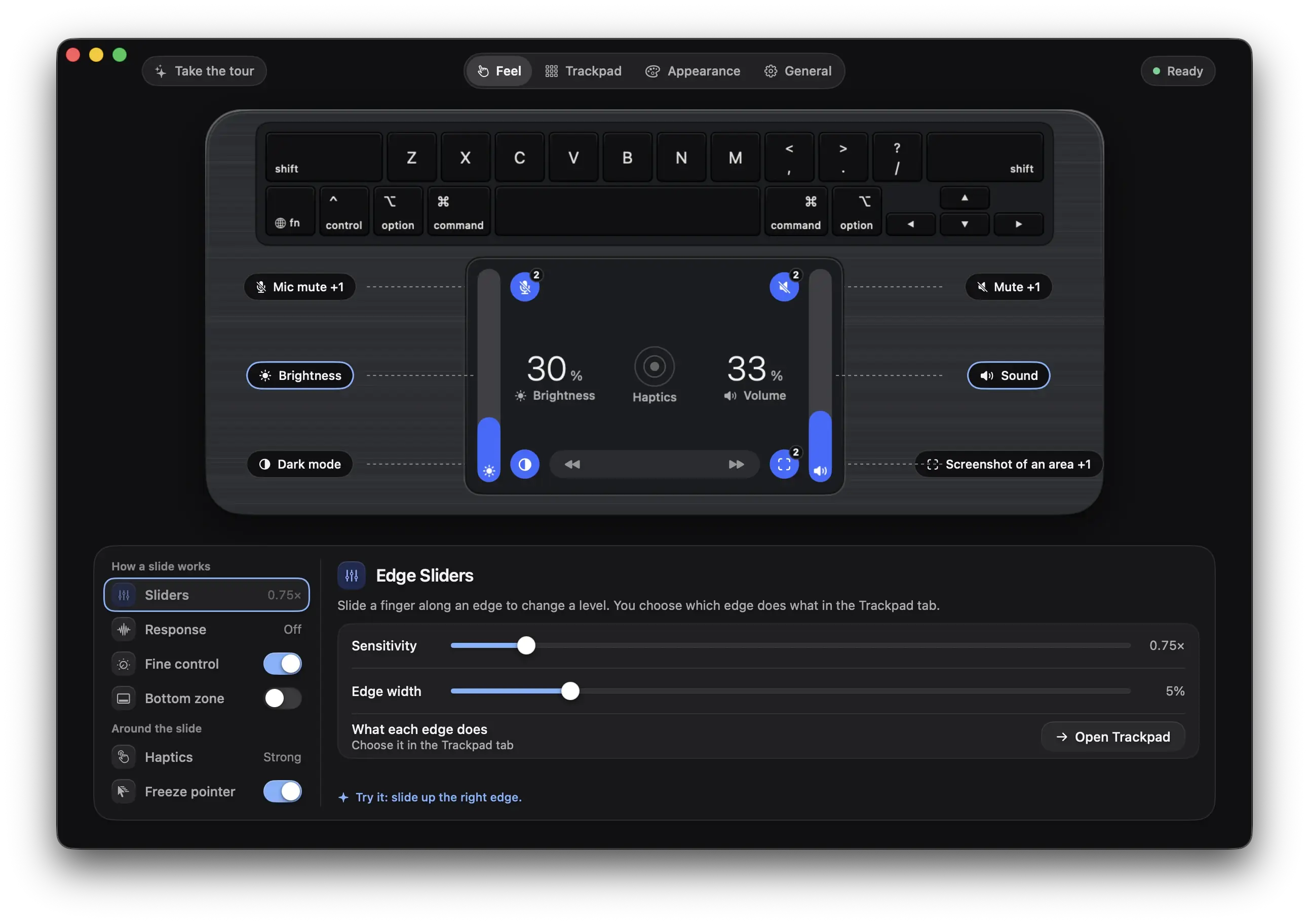
The long edges of the trackpad are sliders. The level follows your finger and the display answers.
Sliders and feel
Volume, brightness, microphone level and keyboard light sit on the long edges of the trackpad. Snap points, fine control and haptics make a slide feel physical.
The long edges of the trackpad are sliders. The level follows your finger and the display answers.
01of 04
Put a finger on an edge and slide. The level follows your finger and the on-screen display answers.
Volume, brightness, mic level and keyboard light on the long edges, and a strip along the bottom that skips tracks.
02of 04
Hold a key while you slide and each step gets smaller. You choose the keys and how small.
No key held
Every step
⇧ shift⌥ option
An eighth of the change
Hold Shift and Option and the same slide moves a smaller step: half, a quarter or an eighth.
03of 04
Make a slide feel physical. The level can hold at round values, take finer steps where it is quiet and bump at the limit.
The volume stops at the limit and bumps once
Snap points, finer steps at the quiet end, and a bump at the limit.
04of 04
Drag a slide target onto any edge of the pad in the layout editor. Volume, brightness, mic level and keyboard light all slide.
Slide targets
Drag a target onto an edge of the pad. Volume, brightness, mic level and keyboard light all slide.
Rimline opens on the page where sliders and feel lives. Nothing to hunt for.
These buttons talk to the app, so they work once Rimline is installed. Join the waitlist to hear when it opens.
3 day free trial, no card, then $9 once. For macOS 13 or later. Drag it to Applications and slide your first edge in a minute.
Version 1.0.0. Apple silicon and Intel. Developed and tested on Apple silicon.