Press.
The facts about Rimline on one page, with images you can use.
Facts
- Name
- Rimline
- One line
- Your trackpad has edges. Use them.
- What it is
- A Mac menu bar app that turns the edges and corners of the trackpad into controls.
- Price
- A 3 day free trial with every feature on and no card. Then $9 once, with every update.
- License
- One license works on 2 Macs.
- Requirements
- macOS 13 Ventura or later, Apple silicon and Intel. Made for the built-in trackpad. Developed and tested on Apple silicon.
- Download
- About 28 MB. Not notarized by Apple, so macOS asks to confirm the first launch.
- Privacy
- No account, no analytics and no crash reporting inside the app. Settings stay on the Mac.
- Made by
- Walid, one person.
- Website
- rimline.zawalid.com
In 50 words
Rimline is a Mac menu bar app that gives the edges and corners of your trackpad jobs. Slide an edge for volume or brightness, tap a corner to run an action, hold to snap a window. Scenes change the layout with what you are doing. No account, no analytics.
Colors
- Cobalt
#3D6BFF - Ink
#0B0B0F - Paper
#F5F5F7
Images
These are the real app and the real icon. Open one at full size to save it.
 App iconWebP, 512 by 512
 App icon, largePNG, 1024 by 1024
 MarkSVG
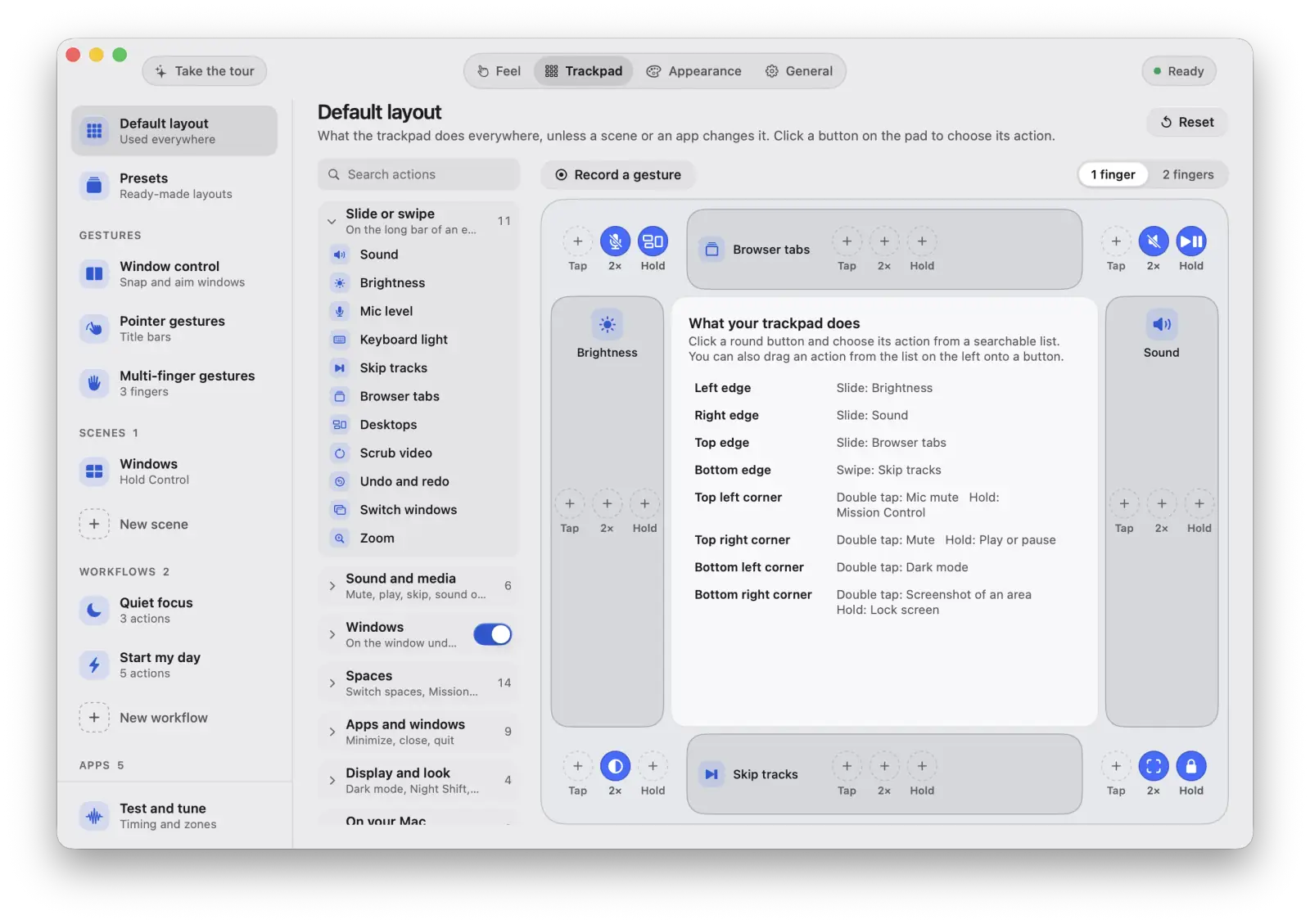 Trackpad tabWebP, 1600 by 1129
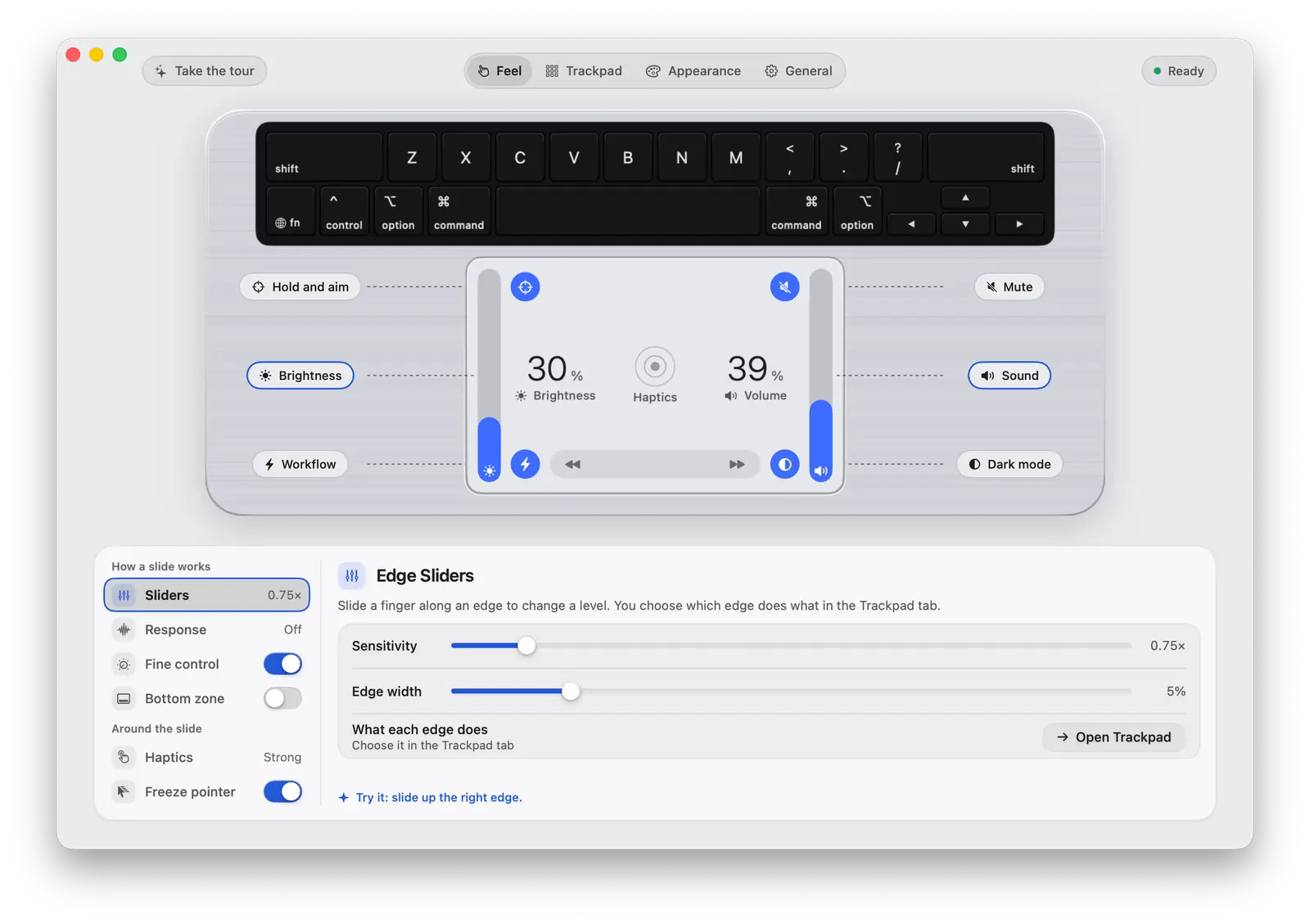 Feel tabWebP, 1600 by 1129
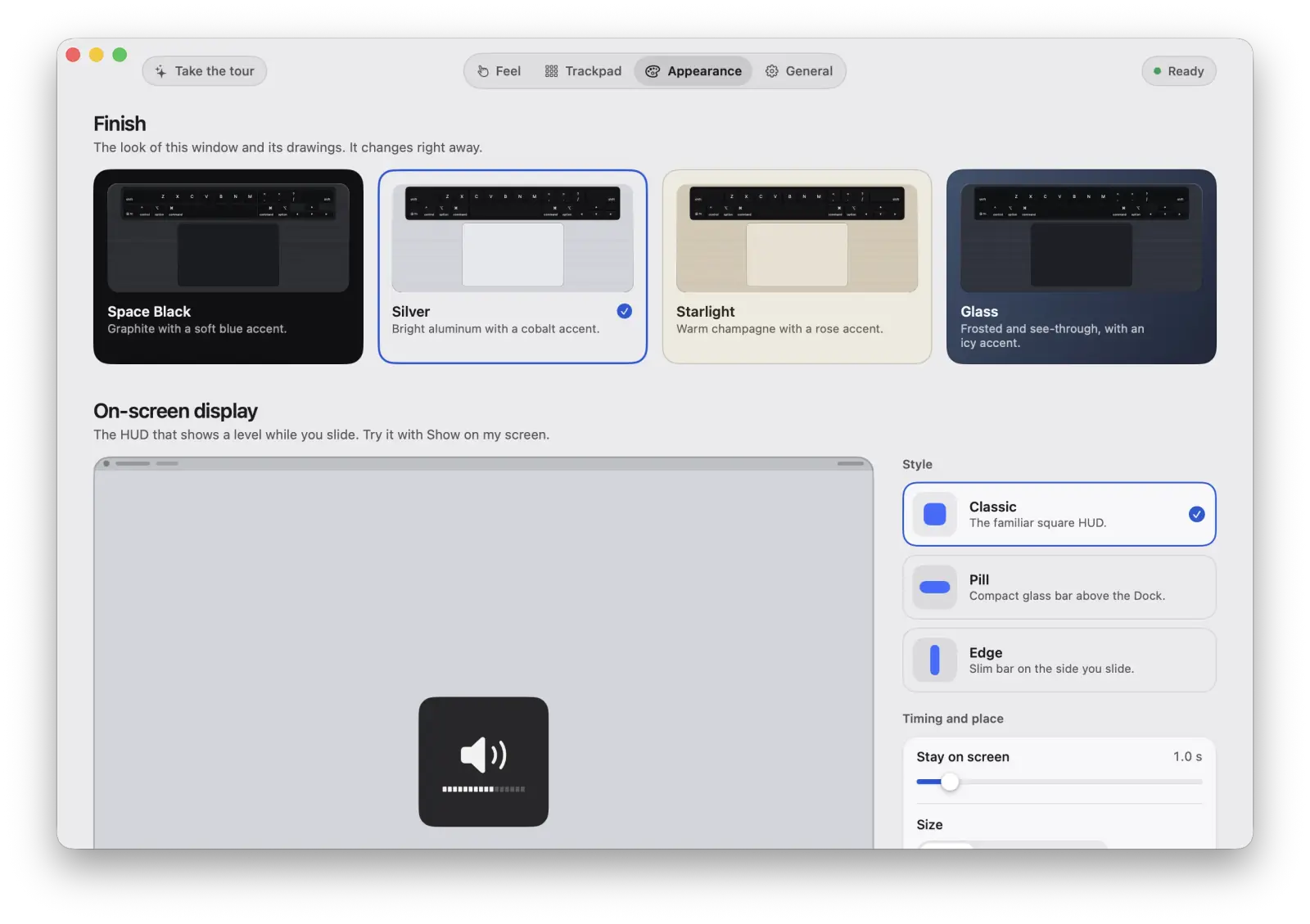 Appearance tabWebP, 1600 by 1129
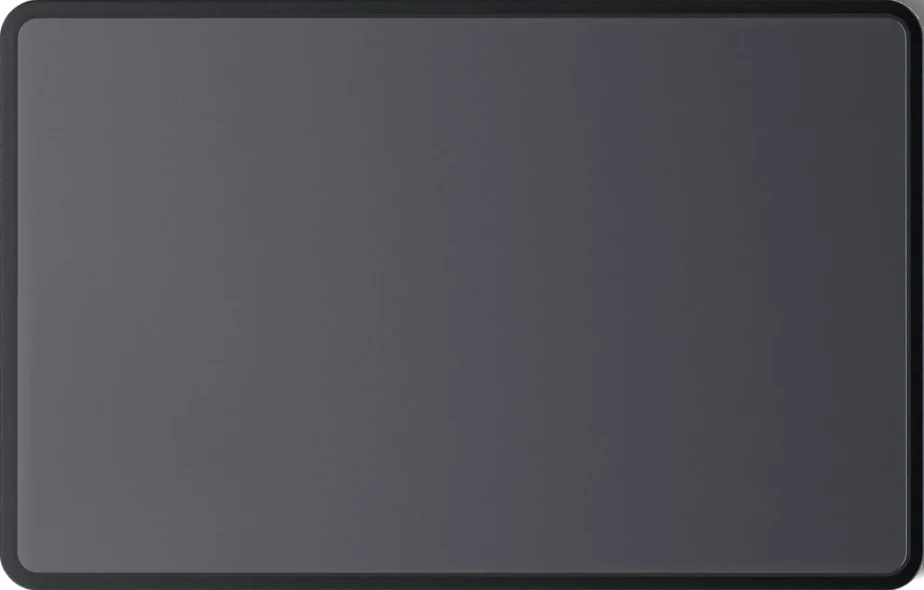 The pad, Space BlackWebP, 924 by 590
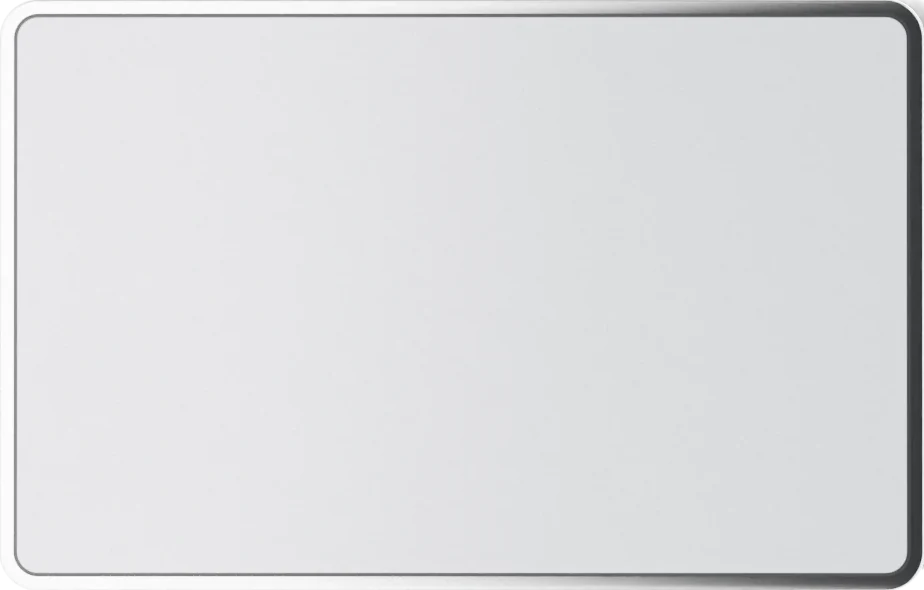 The pad, SilverWebP, 924 by 590
Contact
For press questions, open an issue on GitHub.
You can also read about Rimline and the full list of what it does.